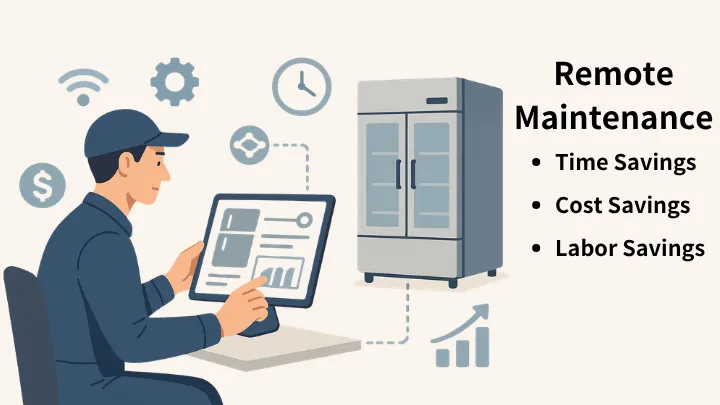
Why Use Remote Troubleshooting?
In traditional maintenance, technicians must visit in person to diagnose a problem — often resulting in wasted trips or multiple store visits that drive up time and transportation costs. Remote troubleshooting uses connected technology to let service providers instantly check equipment status, error codes, and operating parameters, quickly identifying the root cause and the best course of action.
Three Key Benefits of Remote Troubleshooting
- Save time: Remote diagnostics pinpoint issues immediately, eliminating lengthy waits and back-and-forth trips.
- Save money: Fewer unnecessary site visits and reduced transportation costs — plus fewer expenses from false alarms.
- Save effort: Remote adjustments and troubleshooting can be completed quickly, freeing technicians to focus on higher-value repair work.
How Does Remote Access Work?
Service providers can view real-time data and historical anomaly records via the APP or the Amber web dashboard. If the issue stems from a parameter setting, the technician can adjust it directly online.
Technicians can also use data checks and fault code information to more accurately determine which parts need to be replaced, ensuring the job gets done right the first time.
Remote Troubleshooting Workflow
- The store or user reports an anomaly through the system, or an error code is automatically submitted.
- The service provider logs in remotely to review operational data and historical records.
- Determine whether the issue can be resolved remotely (parameter adjustment, false alarm clearance, or guided on-site resolution).
- If an on-site visit is required, arrive with the right parts and a clear understanding of the fault — avoiding multiple trips.
Who Can Benefit from Remote Troubleshooting?
Any retail store, chain operation, logistics cold chain, or appliance service provider with remote connectivity (IoT gateway or network-enabled equipment) that wants to improve efficiency and reduce maintenance costs can benefit from remote troubleshooting.
Practical Tips: What to Prepare Before Getting Started
- Ensure equipment has a stable network connection and the ability to report diagnostic data.
- Establish a secure remote login mechanism with proper access controls.
- Design an intuitive service platform interface that clearly displays error codes and recommended action steps.
- Define SLAs and workflows for remote resolution vs. on-site visits to maintain consistent service quality.