Paperless Operations Platform (DOP+ERP)
All information related to a task is centrally managed — no more scattered across different people or locations
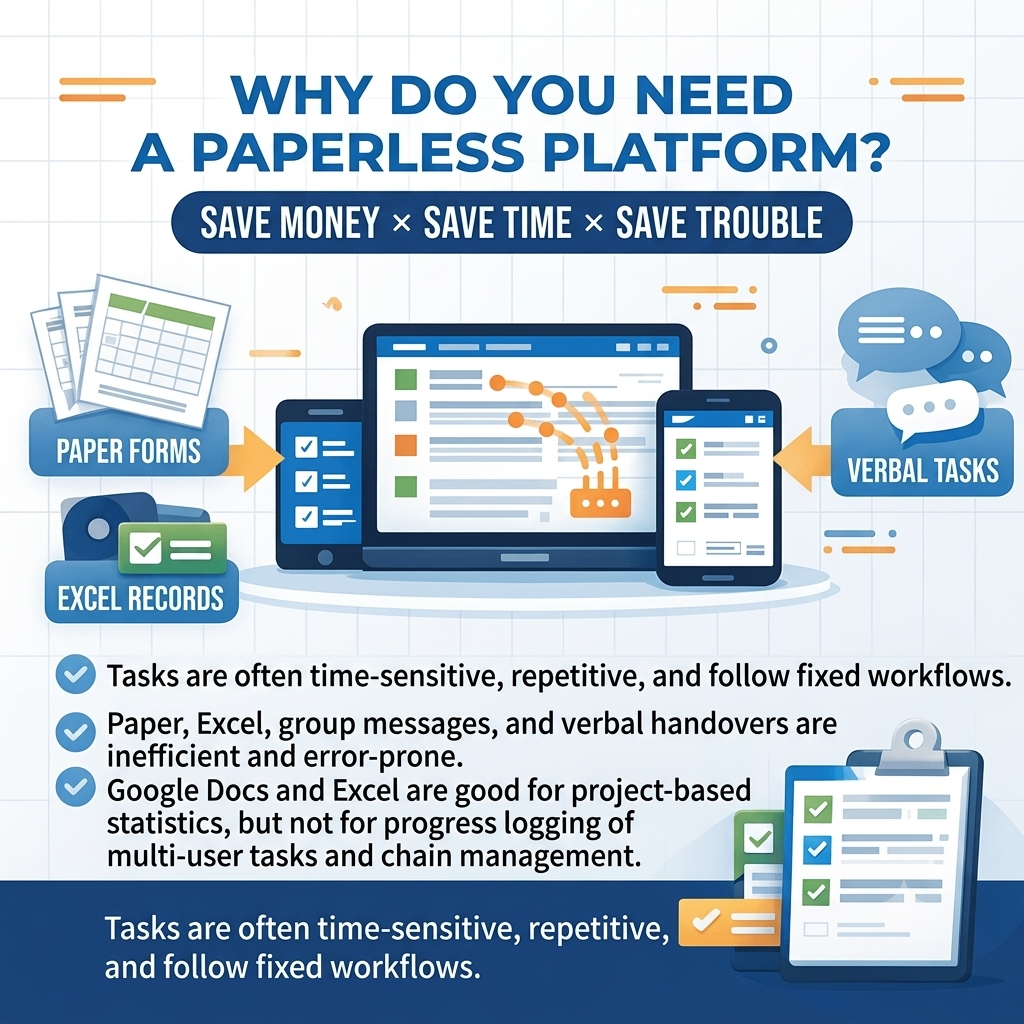
Why You Need a Paperless Platform · Save Money × Save Time × Save the Hassle
- Work tasks are typically time-sensitive, involve multiple people, are highly repetitive, and follow fixed process rules
- Not every team member can complete tasks efficiently and accurately, or reliably follow up with others
- Working with paper, Excel, group chats, and verbal handovers leads to low efficiency, high error rates, and poor knowledge transfer
- Google Docs and Excel sheets are suited for project-based data management — not for tracking and managing task progress across multiple team members
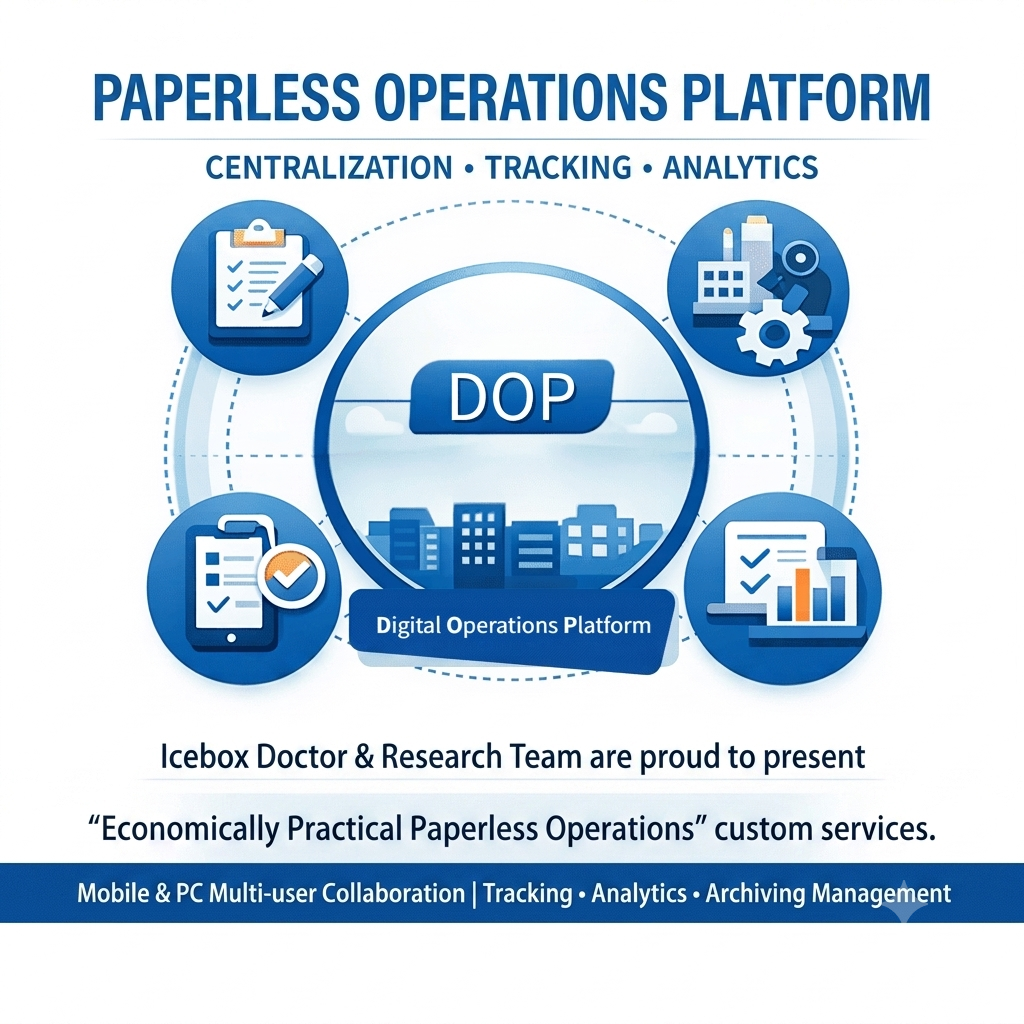
Paperless Operations Platform · Centralized × Trackable × Measurable
- Dr.AI × R&D Team offers affordable, practical paperless operations customization services
- Helping businesses across industries adopt digital workflows — enabling teams to track, record, and manage tasks via mobile or desktop
- Phased rollout available: start with customized work orders and forms for quick deployment and immediate experience of paperless management benefits
- Audit all job functions across your organization and build a comprehensive paperless operations workflow
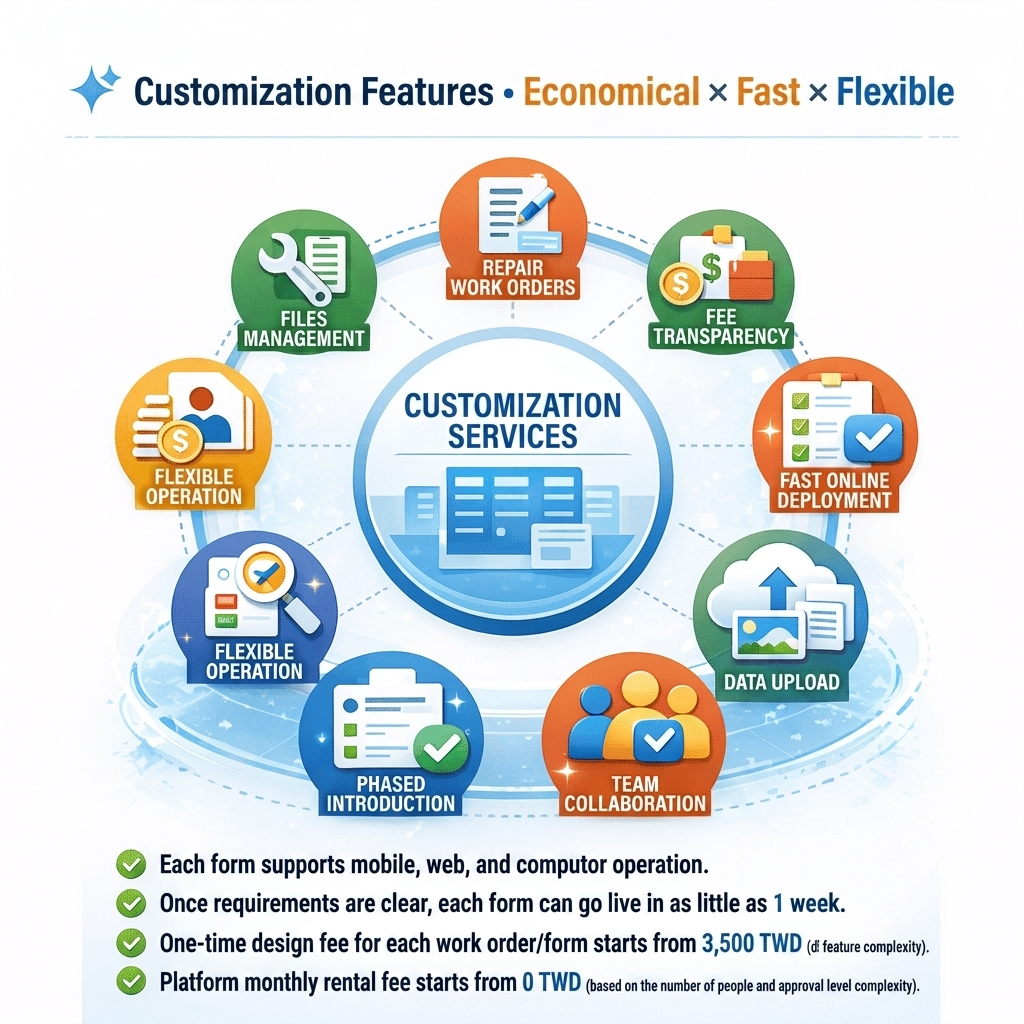
Customization Features · Affordable × Fast × Flexible
- Every form works on mobile, web browser, and desktop
- With clear requirements, each form can be deployed in as little as 1 week
- One-time design fee per work order/form starting from NT$3,500 (depending on functional complexity)
- Monthly platform fee starting from NT$0 (depending on number of users and approval workflow complexity)
- Form functions (fields, formulas, rules) are designed with room for adjustment and expansion
- Forms are maintained by a multi-person team — no risk of being left unsupported
- Forms support both data entry and file/photo uploads
General Industries
Ideal for work scenarios involving repetitive processes, cross-role handovers, and the need for tracking and audit trails. Start with high-frequency work orders and expand gradually.
Frequently Asked Questions (FAQ)
Start by digitizing your most repetitive daily tasks into work orders for an initial hands-on experience, then gradually expand the form functions from there.
Absolutely. We support phased rollouts — tackle your most painful manual processes first, then expand as needed. Nothing is mandatory.
Yes. We'll help restructure your existing form fields and workflows into a ready-to-deploy digital version.
Permissions can be layered by role (store / technician / distributor / HQ), ensuring each party only sees what they need — with a complete audit trail maintained throughout.
Our approach is "simplify first, automate later." We start by deploying high-frequency workflows that immediately reduce workload on the ground, then gradually build out to full system integration and reporting.